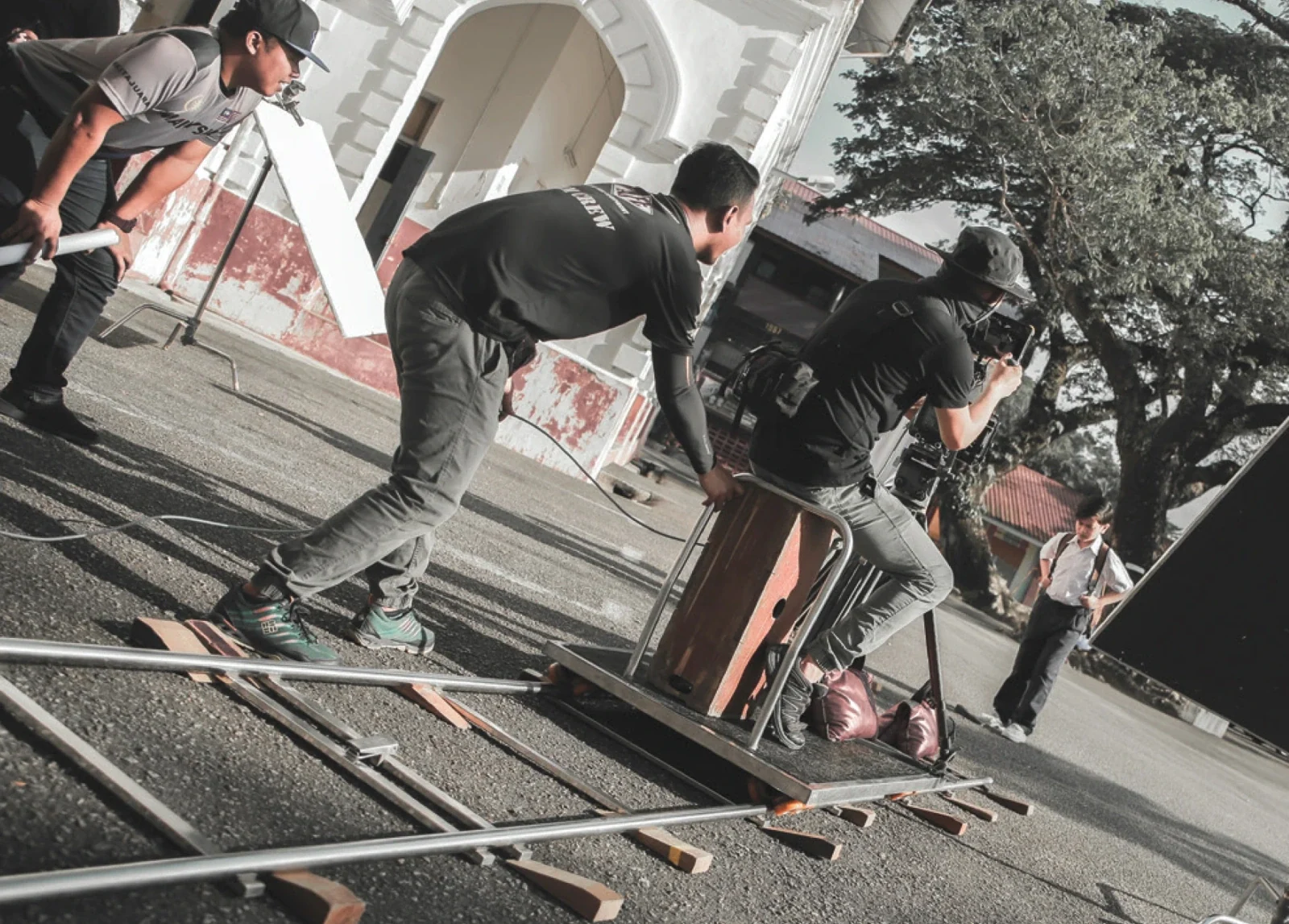
1. Agree the brief
Define the audience, purpose and main message. List the versions, languages and channels where the film will appear. Share the budget range and any fixed event date.
Your output at this stage is a brief the producer can scope. Unknowns are acceptable when they are clearly marked. For help, use the corporate video briefing guide.
The production route: six stages, six decisions
- 01Brief
Agree audience, purpose and deliverables.
- 02Story
Approve script and visual direction.
- 03Preparation
Confirm people, locations and access.
- 04Production
Capture or create the planned material.
- 05Review
Resolve comments and verify facts.
- 06Delivery
Approve the files for their intended uses.
Use this as a planning aid. Agree the actual approach with your project team.
2. Review the script and storyboard
The script explains what is said. The storyboard shows what viewers will see and how the scenes fit together. Review the story, facts and proposed images before filming or animation begins.
PurplePerfect’s UTP Research & Innovation work included storyboard, script, caption and voice-over preparation. This is useful when several technical themes need to become a story an outside audience can follow.
3. Get ready for production
Confirm locations, contributors, access, source material and filming priorities. Agree who will make decisions if the schedule changes. For industrial locations, involve the authorised site contact early.
The T7 ELISE MOPU case illustrates why coordination matters alongside creative work. A shot list alone does not establish access to an offshore operation.
4. Film, animate or assemble the material
Production may include interviews, new footage, photographs, animation and existing footage. Each source should have a clear role in the story. Record restrictions on confidential or licensed material.
Capture enough context and detail to make the sequence understandable. Let interviewees explain their real experience in their own words. Check archive quality before relying on an image for a large screen.
5. Turn review comments into clear actions
Use one current review version and collect time-coded comments: a note tied to the moment in the film it concerns. Name the requested change and the reason.
| Comment type | Example | Next step |
|---|---|---|
| Factual correction | The location name is incorrect. | Confirm the approved replacement. |
| Creative preference | The opening feels too slow. | Explain the audience need; agree an edit. |
| New scope | Add a second language version. | Assess cost, narration and delivery timing. |
An instruction such as “At 01:12, replace the site name with the approved spelling” is easier to act on than “Please fix the captions”. Resolve contradictory comments before sending them to the editor.
The Marine Masters case involved technical sequence and terminology review. The Yinson case involved drafts and client amendments. The type of review should fit the assignment.
6. Check the final files and plan their use
Watch the complete export, including titles, captions, sound and closing frames. Confirm that each file matches its intended channel. The final approver should identify the version cleared for use.
Ready to brief your producer?
- Names, figures, dates and graphics are approved.
- Voice-over, music, sound and captions are checked.
- The correct languages and formats are included.
- The event or platform playback requirements are met.
- Usage permissions and any time limits are recorded.
- File names clearly distinguish approved and older versions.
- Someone owns publishing, distribution and future updates.
What affects the budget and schedule?
The main variables are story development, filming days, locations, access, animation, languages, usage rights, deliverable versions and review time. Ask the producer to connect these to the quotation.
Agree what happens if the scope changes. An extra interview or language version can affect filming, editing, narration and delivery. Share your deadline and current materials first; a production plan can then show the decisions and dependencies that need to fit around them.
7. Check the commercial details before work starts
A clear quotation should tell you what you receive, what decisions you need to make and what happens if the brief changes. Use the checklist below before appointment, then keep it beside the production schedule.
Before you appoint the producer
- Revision limits. Confirm how many rounds apply to the script, storyboard and edit; what counts as one consolidated round; and the time allowed for feedback. Distinguish correction of agreed requirements from new requests.
- Approval points. Identify who can approve each stage. Ask what happens if an approved script, animation sequence or voice-over is reopened.
- Version count. List every duration, language, orientation and caption version. Confirm whether alternative openings and social cut-downs need separate editing.
- Usage rights. Record material, rights holder, channels, paid or organic use, territory, licence period, restrictions and renewal responsibility.
- Additional work. Agree rates or a quotation process for extra shoot days, re-recording, animation, formats, locations or changes beyond scope.
- Written change approval. Require a cost and schedule impact before additional work proceeds. Acknowledge what will pause while the decision is pending.
- Handover and future edits. Confirm final exports, subtitles, thumbnails, raw footage, project files, storage period and what is excluded.
- Cancellation and postponement. Understand crew, location, travel and talent commitments, including weather or access-related rescheduling.
Make procurement requirements part of the brief
Tell us early if your organisation requires supplier onboarding, a purchase order, milestone acceptance or a work-performed record with each invoice. Identify who approves the work and which documents Finance needs. Agree these requirements alongside the production scope so that creative approval and administrative acceptance are both clear.
8. Specify every format you need
“Social media version” is too vague to price or approve. Name the channel, orientation, duration, language, captions and intended use. A landscape film may need a different edit for a portrait screen: framing, graphics, text size and the opening sequence can all change.
One story can need several edits.
Presentations, websites and many video players.
Feed placements where a square composition is planned.
Mobile full-screen stories and short-form video.
A taller feed composition with its own safe areas.
Agree framing, captions, graphics and cut-downs before filming. Confirm current platform specifications at delivery.
These are common planning ratios, not a promise that one file meets every platform requirement. Confirm current delivery specifications for the actual channel or venue. State the resolution, frame rate, codec/container, audio, subtitle format and any screen-safe areas in the delivery schedule.
9. Keep licensing and additional changes visible
Ask for a usage schedule covering music, stock footage, photography, talent, voice-over, fonts and any third-party graphics. Check the permitted channels, paid advertising, territory, licence term, audience or placement limits, and whether future re-edits or client subsidiaries are covered. Some licences are perpetual; others have time or use restrictions. “Royalty-free” does not mean unrestricted use.
For a requested change outside the agreed scope, ask the producer to explain the cost and timing before work proceeds. A useful change notice records the request, why it exceeds scope, the affected deliverables, the additional fee and the revised date. You can then approve it, simplify it or defer it while remaining in control of the project.